Where your spam actually comes from, and the one habit that stops most of it
Most people think of spam as weather. It arrives, you clear it, more arrives. Nothing to be done.
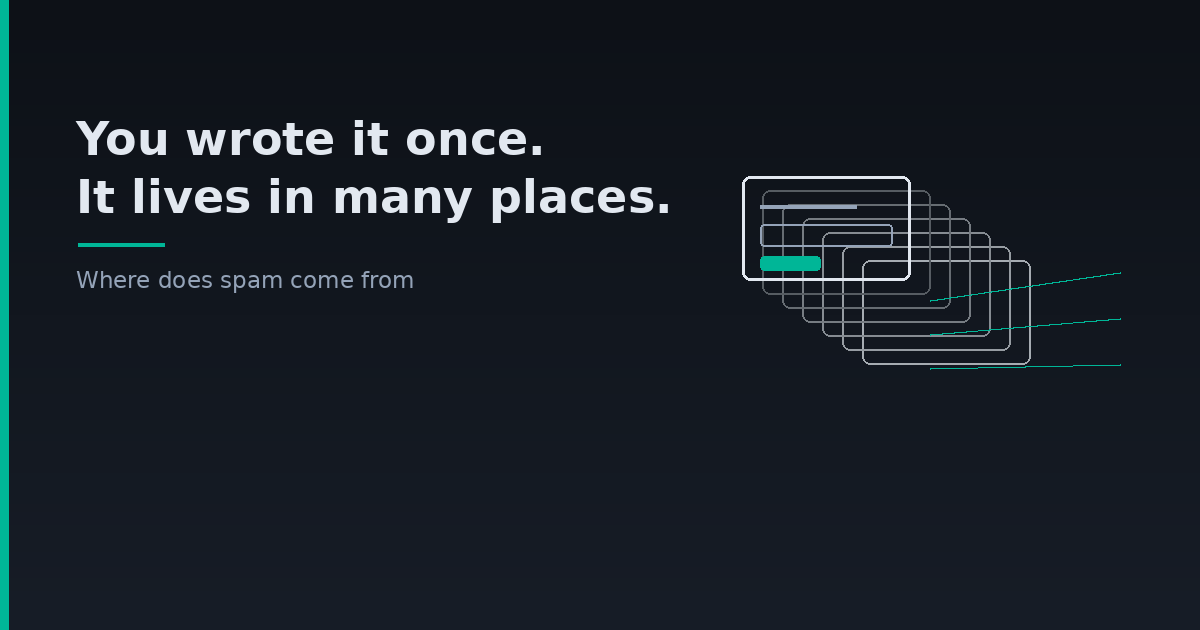
It isn't weather. Nearly every piece of junk in your inbox can be traced back to a specific moment when you typed your address into a specific box. We run TempsMail, which means we spend a lot of time looking at mail nobody asked for, and the pattern is duller than the conspiracy version: no one is guessing your address. You gave it out, and it travelled.
Once you can see the route, you can block most of it without changing providers or installing anything.
the four routes in
The form you filled in, used the way you expected. A shop, a newsletter, a loyalty card. This is the honest one. You signed up, and mail comes. The problem is volume and permanence, not deception — you wanted one discount code in 2021 and the sequence has been running ever since.
The form you filled in, sold on. Harder to spot. The checkbox said something about "carefully selected partners", or it said nothing at all and the privacy policy did the work. Your address becomes a line in a list, the list gets licensed, and the mail you receive has nothing to do with the company you dealt with. This is where the strange stuff comes from — the insurance offers, the crypto newsletters, the things you have no memory of wanting.
The breach. A service you used got into trouble and its user table ended up somewhere public. You usually find out years later, if at all. Breached addresses are worth more than scraped ones because they're known to be real, and they are traded accordingly.
The scrape. Your address sits in plain text on a public page: a forum post from 2014, a committee minutes PDF, a WHOIS record, a CV you uploaded. Harvesters read it. This route is slower than people fear and smaller than the first three, but it never stops once it starts.
What matters is that all four share an entry point. Something you typed, once.
how to find out which one it was
Here's the trick that makes this concrete rather than theoretical, and it costs nothing.
If your mail provider supports plus addressing — Gmail, Outlook, Fastmail and most others do — you can write `[email protected]` on the shoe shop's form. Mail still lands in your normal inbox. But now every message carries a label saying where the address came from.
Two weeks later, junk arrives addressed to `yourname+shoe-shop@`. You now know exactly who leaked you, with no ambiguity and no guessing. You can filter that tag into the bin in one rule, and you have a fact about a company that you didn't have before.
The limitation is honest and worth stating: some forms reject the plus sign, and a determined list broker can strip the tag before resale. It's a diagnostic, not armour. But as a diagnostic it is unreasonably good, and most people have never tried it.
the habit that does the heavy lifting
Sort your signups into two piles before you type anything.
Things you intend to keep. Your bank, your tax account, your email itself, the shop you genuinely reorder from, anything holding a subscription or a licence. These get your real address, and they should — you need account recovery to work, and you need to be able to prove the address is yours in three years.
Things you're passing through. A discount code. A gated whitepaper. A trial of software you'll probably reject. One download. A forum you'll post in once. A competitor's app you're looking at for work.
The second pile is where almost all of your future spam is currently being manufactured, and it is also the pile where a permanent address buys you nothing at all. That's the asymmetry: the cost is permanent, the benefit lasts ten minutes.
A disposable address closes that gap. The confirmation lands, you read it, you move on, and whatever the company does with that address afterwards happens in a mailbox you will never open again. If you haven't used one before, how to get a temp mail covers the mechanics, and it takes about as long as reading this paragraph.
The same logic is why development teams use throwaway addresses for test accounts rather than burning real ones — we wrote that up separately in disposable email for testing.
what to do about the spam you already have
Sorting your future signups doesn't help with the mail already arriving. Three things do, in descending order of usefulness.
Unsubscribe from real companies. Ignore the rest. If the sender is a business with a reputation to lose, the unsubscribe link works and is legally required to. If the mail is obvious junk with a forged sender, the link exists to confirm a human read the message. The test is whether you recognise the company, not whether the email looks professional.
Never load remote images in mail you didn't expect. That tracking pixel is how a sender learns the address is live and attended. Most clients block images by default now. Leave that alone.
Filter by tag, not by sender. Spam senders rotate domains constantly, so blocking addresses is endless. If you adopted plus addressing, you can bin an entire leaked tag with one rule and be done with it permanently.
What doesn't work, despite being the most common advice: replying to ask them to stop, and abandoning an address because it got noisy. The second one in particular tends to cost more than it saves — you lose your recovery path for a dozen real accounts to escape mail you could have filtered in a minute.
frequently asked questions
Does unsubscribing make it worse?
From legitimate businesses, no — it's the fastest route out. From forged or unrecognisable senders, assume the click confirms you exist and skip it.
Will a temporary address stop spam I'm already getting?
No. It prevents new leaks; it can't close old ones. Use it from the next signup onward and the flow shrinks over months, not overnight.
Is it safe to use a disposable inbox for a confirmation code?
For a code that expires in minutes, yes, and it's one of the most common uses — the pattern is in temp mail for OTP. For anything tied to a password reset later, no. Our inboxes have no login, which is the whole point and also the whole limitation. The longer version is in is temp mail safe.
How do I know if my address has been in a breach?
Public breach-notification services will tell you. It's worth checking once. Just know that the answer is usually yes, and the useful response isn't panic — it's unique passwords and two-factor on the accounts that matter.
Spam feels like something that happens to you. It's closer to something that accumulates, one form at a time, in a way that's invisible until the total gets annoying. You can't undo the forms you've already filled in. You can decide that the next twenty signups don't add to the pile, and that decision takes about four seconds each time.
Tags: