How to get a temp mail
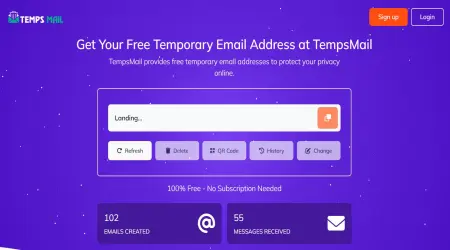
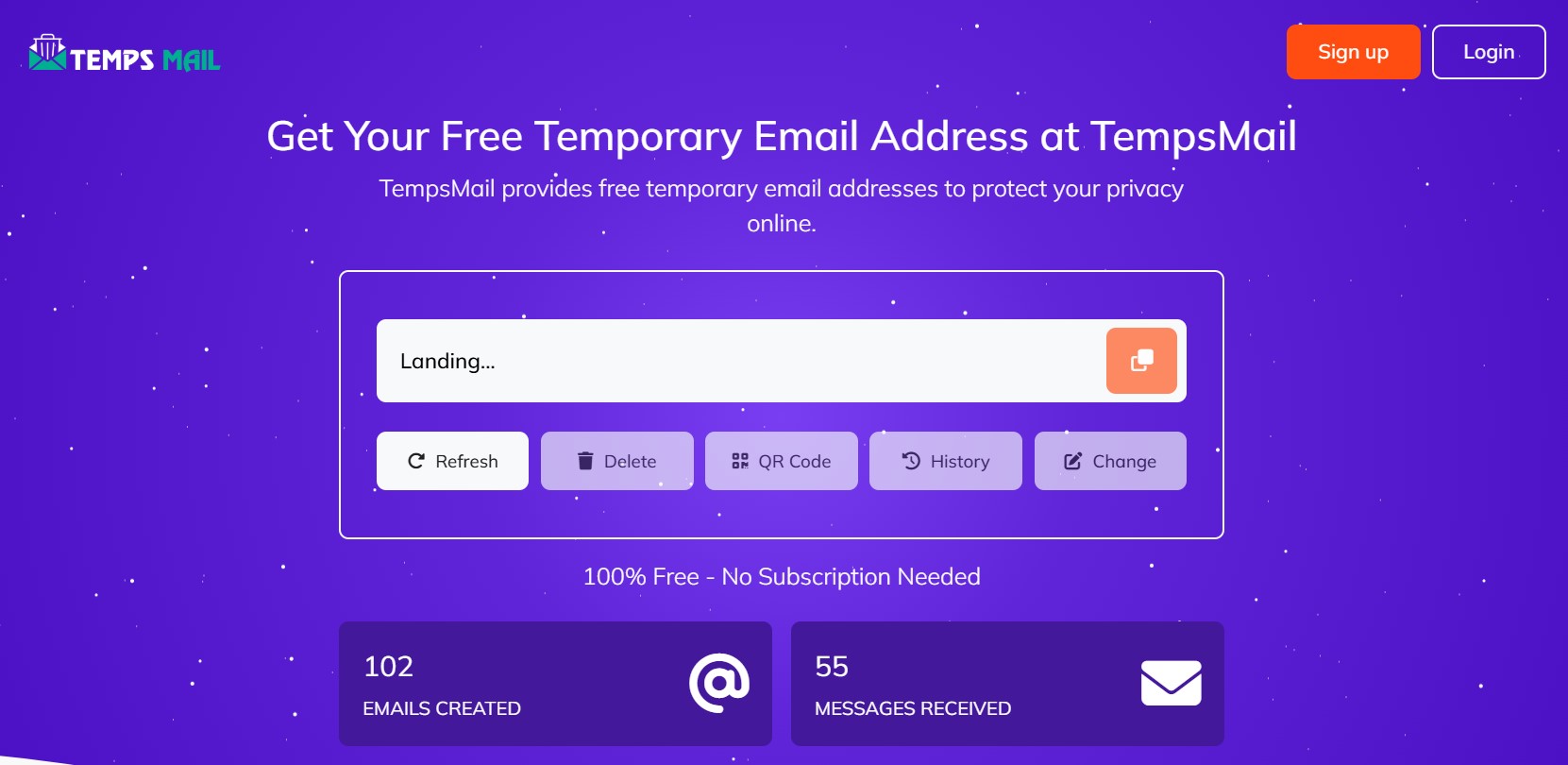
To get a temp mail, visit a temporary email service website, which will automatically generate a disposable email address for you. These services are quick, free, and require no registration.
How to use a temp mail
Find a service. Search online for a temp mail provider. Popular options include tempsmail.org.
Copy the address. A temporary email address will be automatically generated and displayed on the website. Copy this address to your clipboard.
Use it for sign-up. Paste the temporary email address into any website's registration or verification form.
Check your inbox. Return to the temp mail website. Your temporary inbox, located on the same page, will receive any verification or confirmation emails in real-time.
View and discard. Click on the email to view its contents, such as a confirmation link or code. The inbox is meant for one-time use, and the mail is cleared from the server automatically after a few days.
Reasons to use a temp mail
Avoid spam: Keep your primary inbox clean and free of unwanted promotional emails and newsletters.
Protect privacy: Use a disposable address for websites you don't fully trust to protect your personal identity and avoid data collection.
Sign up for trials: Get access to free trials and one-time downloads that require an email address without committing your personal information.
Stay anonymous: Receive emails without revealing personal information for online forums, comments, or other public web activities.
Risks of using temp mail
Lack of security: Temp mail inboxes are generally not password-protected or encrypted, meaning anyone with access to the temporary address could potentially read your emails. Never use it for sensitive information like bank accounts or password resets.
Limited lifespan: The email address is temporary and will be deleted after a set time. You will lose access to any emails and accounts associated with it once it expires.
Blocked domains: Some websites and services block known temporary email domains to prevent abuse. If this happens, your temporary email may not be accepted.
Cannot send email: Most free temp mail services are designed only for receiving emails, not for sending them.
Tags: